Kling AI Video Examples — Frames, Prompts and How They Were Made
A gallery of Kling AI video examples with the exact prompt printed under every frame, and the Kling model each one was written for. Nothing here is a stock photo — these are the key frames our free generator produced, shown with the words that produced them.
Every Kling API video workflow starts from a still. Read the prompts, steal the structure, then run your own through the generator below and watch the animation step play out.
Frame generation is real and runs on our own image model; the animation step is a guided preview.
Featured Kling API example — one frame, then motion
The panel below is the full two-step shape: a key frame on the left, and the Kling capability it was written for on the right.
Select Example
The full gallery of Kling AI video examples
Ten key frames across four categories, each tagged with the Kling model it maps to. Filter by what you are trying to make, then read the prompt underneath.
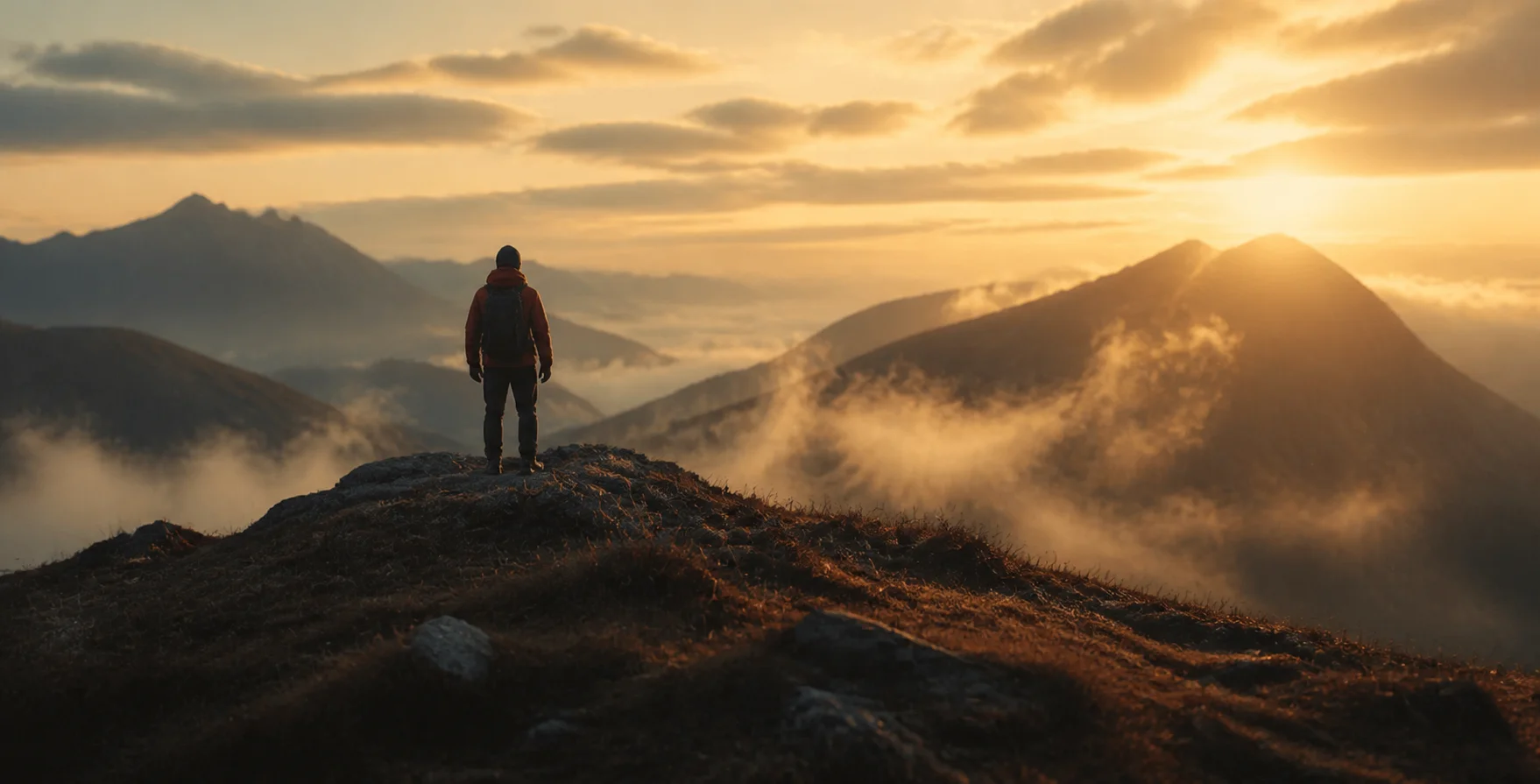
A lone figure on a ridge above a sea of fog, sunrise breaking over the valley, wide cinematic
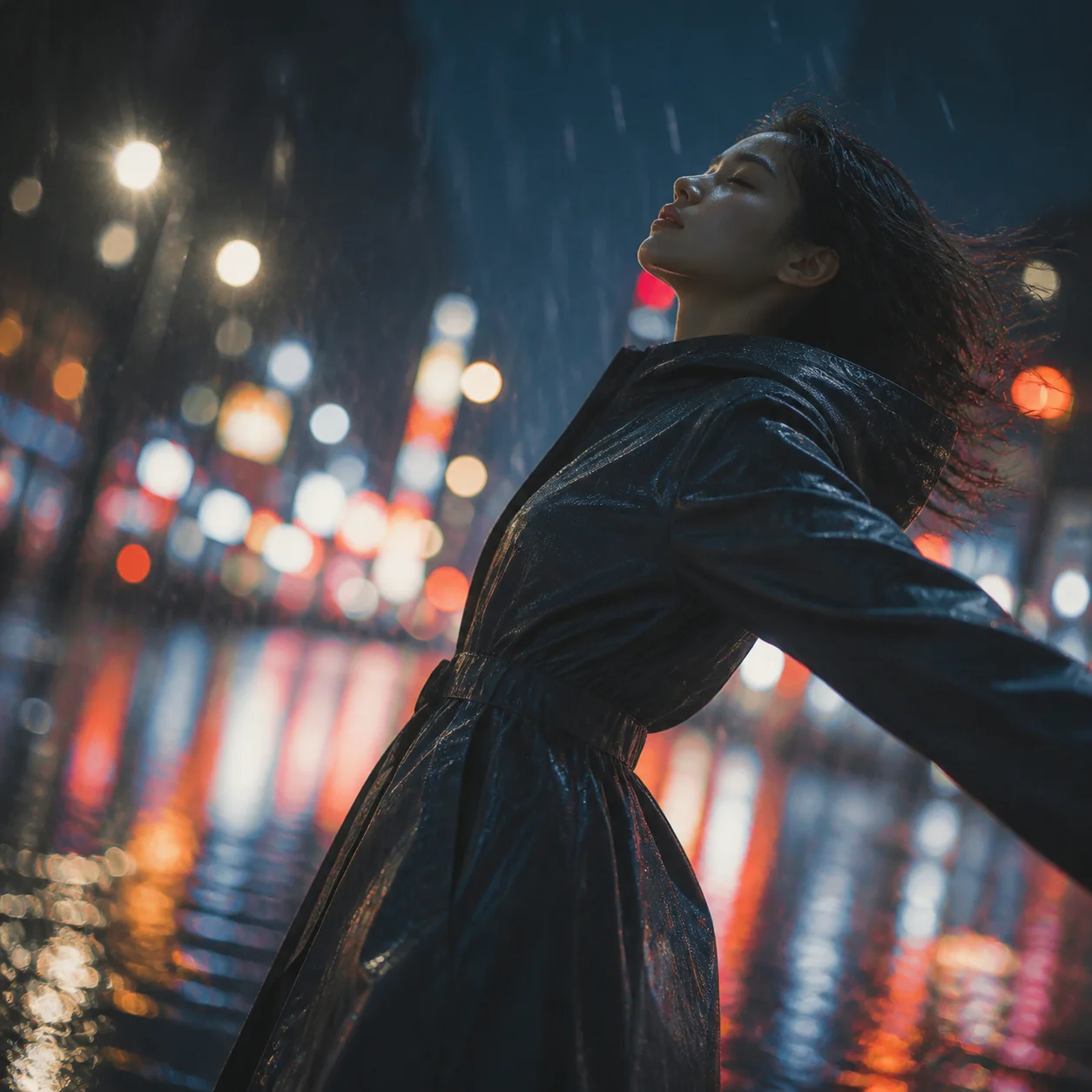
Still portrait on a rainy street, slow push-in, hair moving in the wind, shallow depth of field
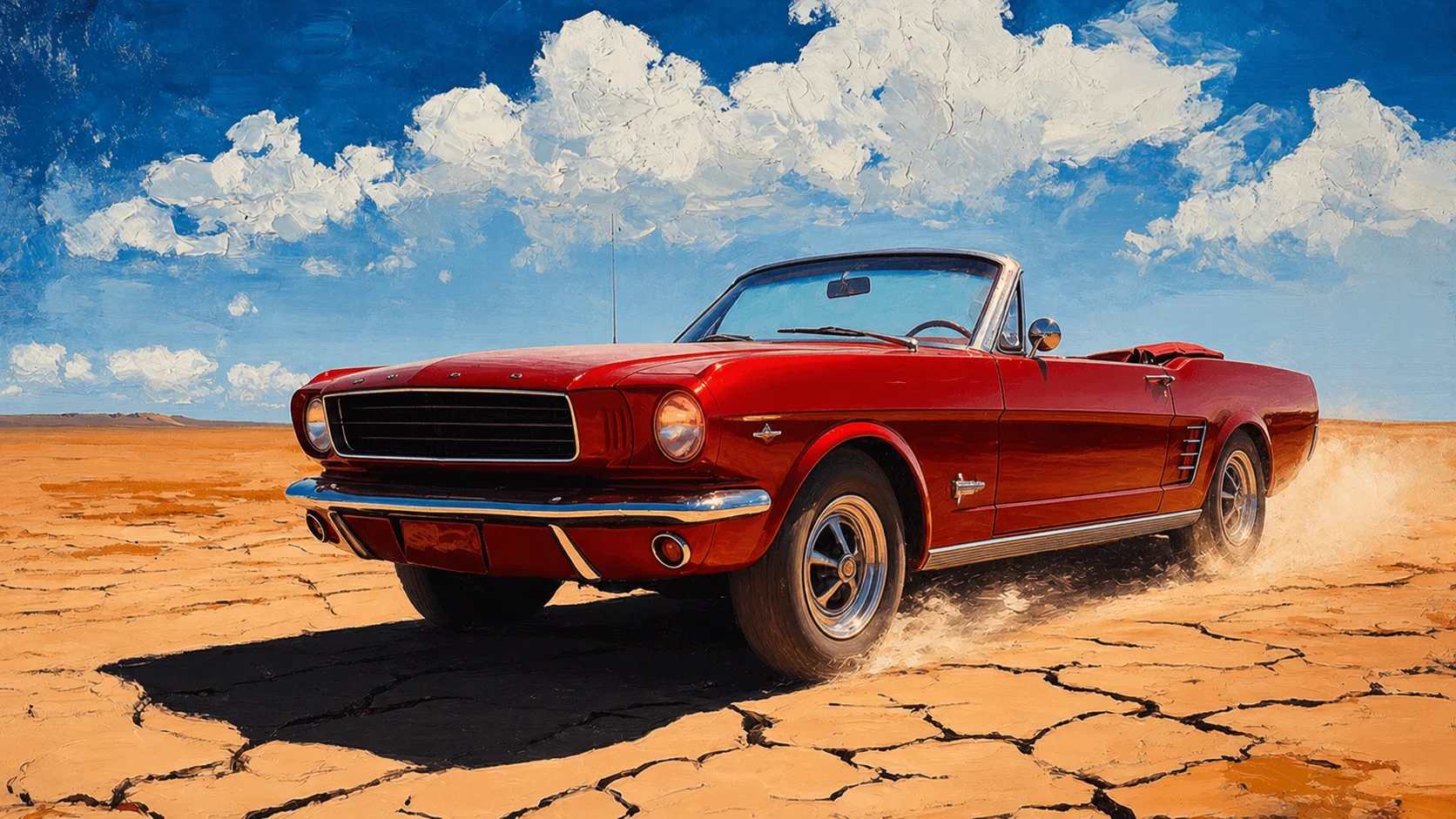
Red vintage convertible drifting across cracked desert clay, dust trail, golden hour
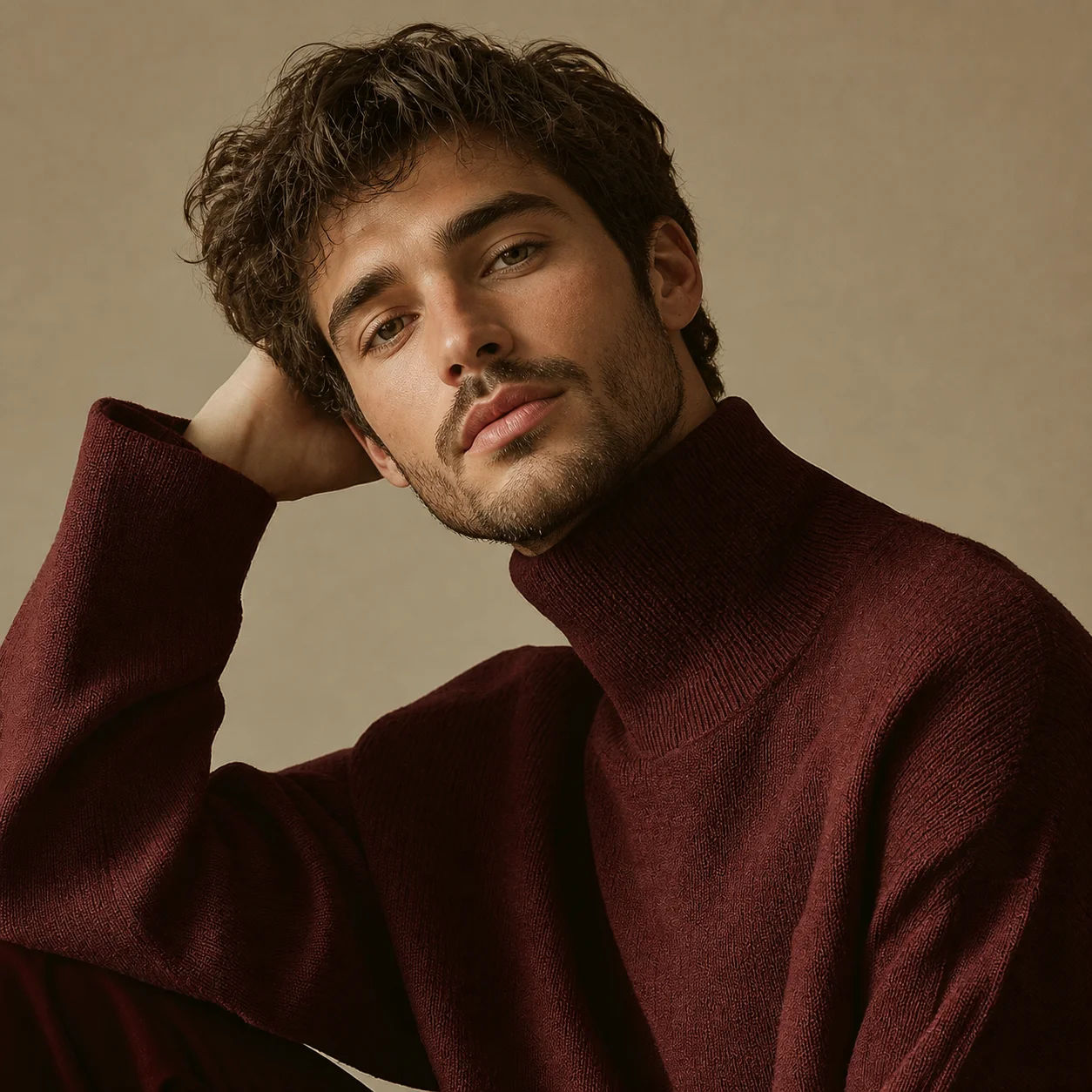
Close-up presenter delivering a product line, natural mouth shapes, studio lighting

Felt hat with a red feather on black velvet, single hard key light, low-key still life

Pink heart sunglasses resting on rippled satin, monochrome pink palette, soft top light
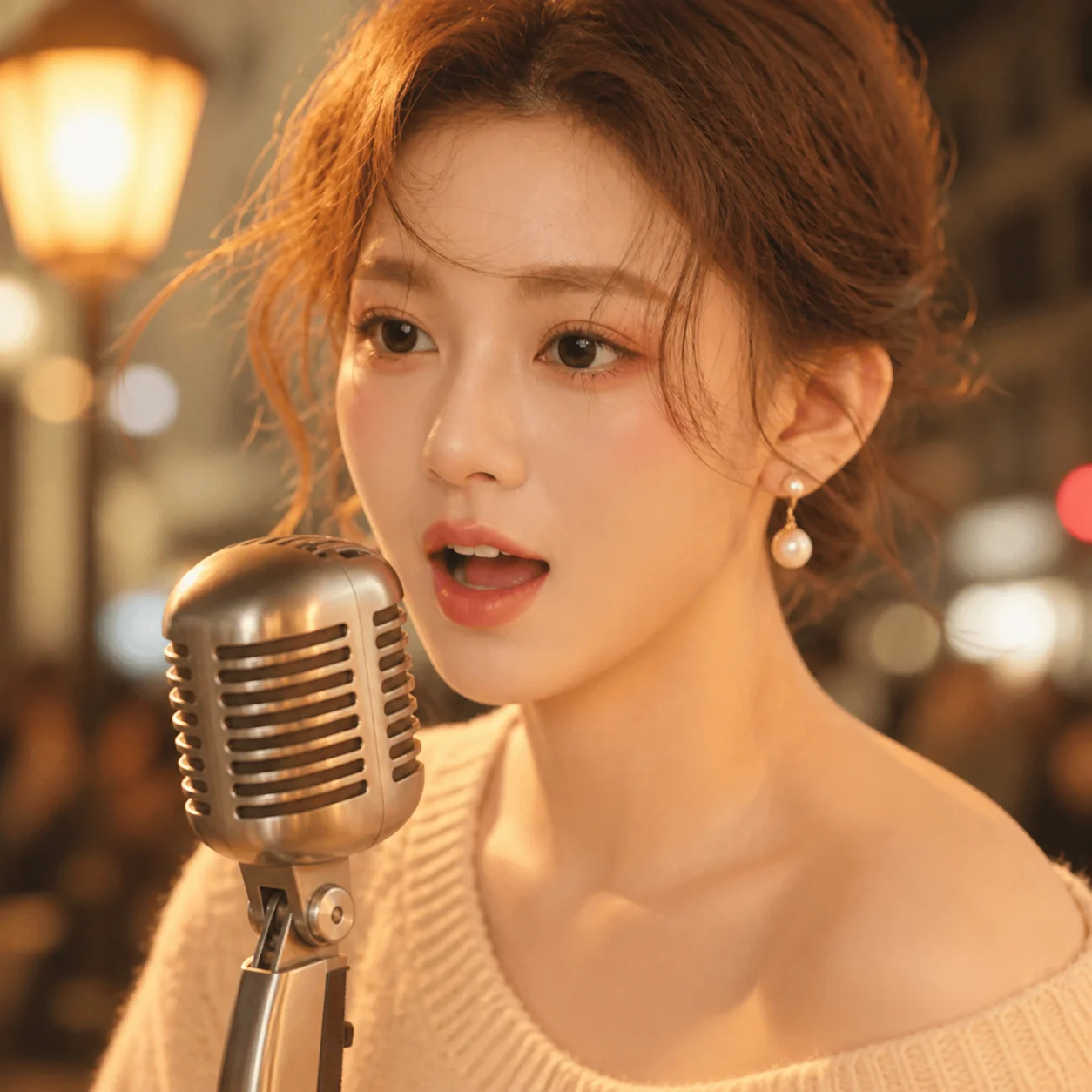
A street musician sings a slow ballad, warm evening light, city ambience, synced voice
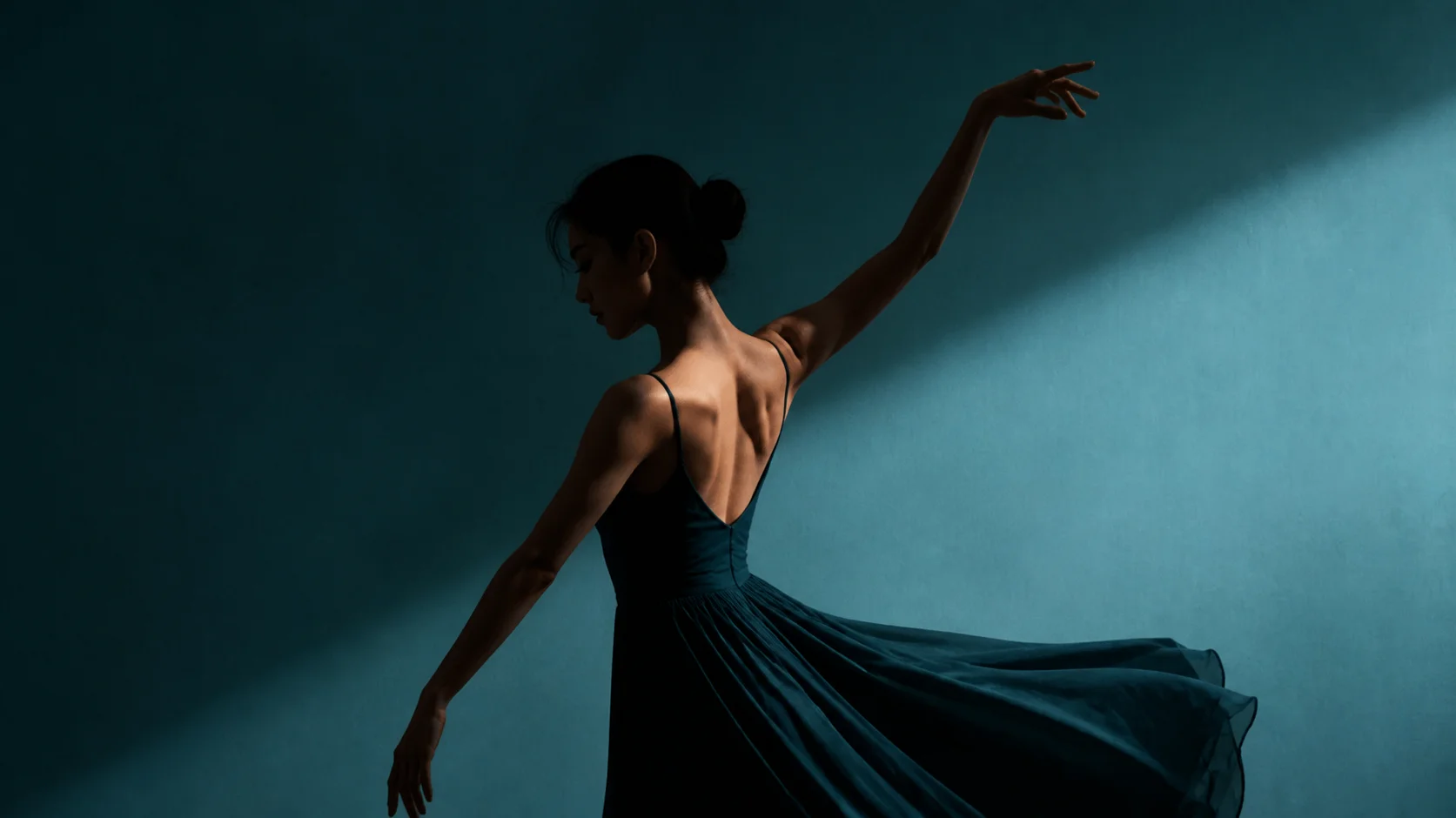
Dancer mid-turn against a teal studio wall, one hard light, motion blur on the skirt
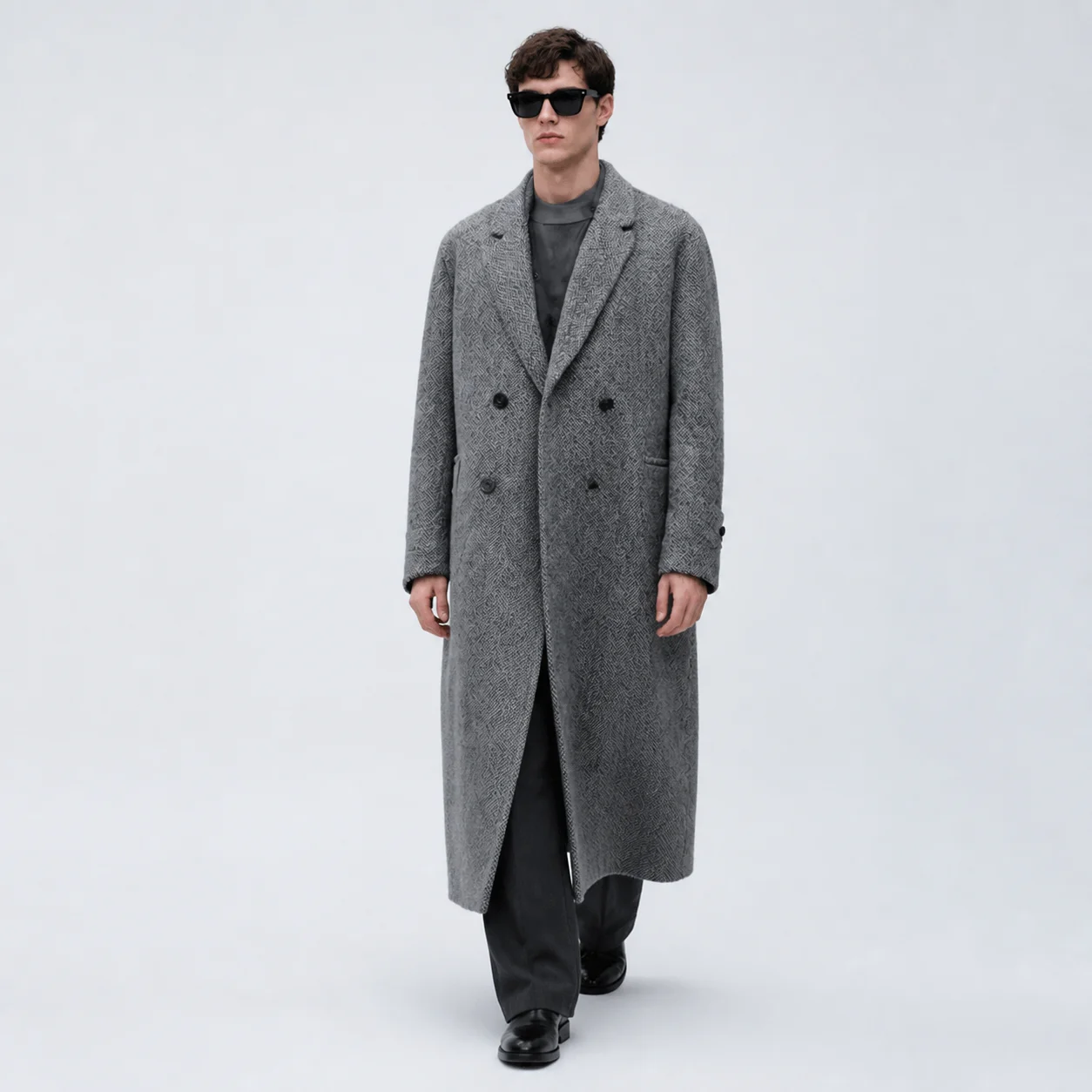
Full-length figure in a grey overcoat on a seamless backdrop, slow orbit, even studio light
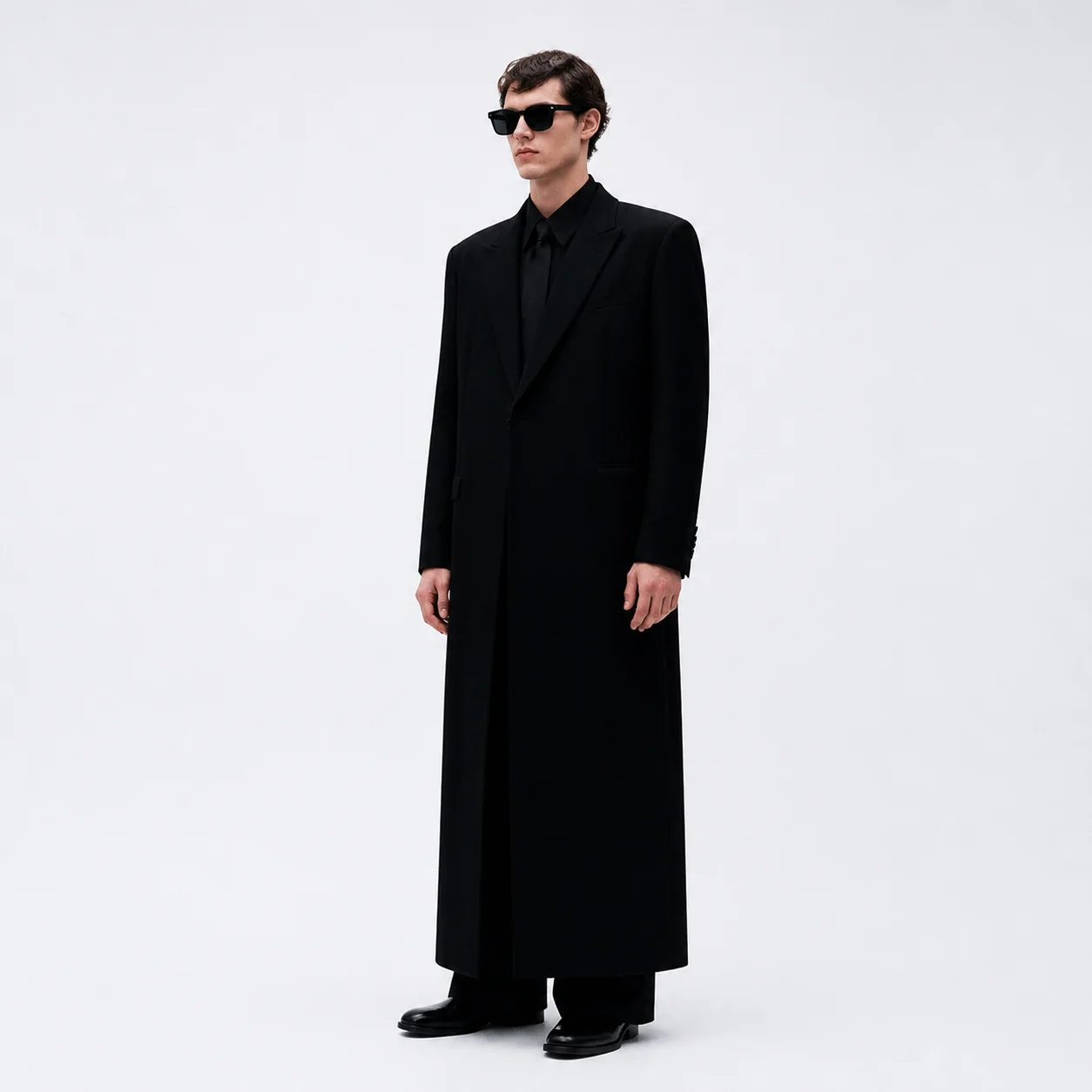
Black tailoring against a light seamless backdrop, editorial full-length, cool grade
Every frame above was rendered by the free generator on this site using our own image model — not by Kling. The model tag on each tile says which Kling version the prompt was written for. See the full limits on the Kling model pages
How these Kling key frames were made
Three steps, no account — the same shape every Kling API video generation workflow follows.
Write one specific sentence
Subject, action, camera, light, style — in that order. Every prompt in the gallery above fits on a single line and none of them uses more than five clauses. Vague prompts produce vague frames.
Render the key frame
The generator returns a real still in seconds. That frame is the contract for every Kling API step after it: if the light, the framing and the subject are wrong here, no amount of motion will rescue the clip.
Animate it
Send the frame into the animation step and watch the storyboard, render and encode stages run as a guided preview. Then take the same prompt into a full video workflow.
Anatomy of a Kling prompt that works
Every caption in the gallery follows the same five slots, and the Kling API rewards the same five. Fill all five and the frame lands; leave one empty and the model fills it for you.
a street musician Who or what is in frame, with one distinguishing detail. A named object beats a category, and one adjective is usually enough.camera pushing forward What moves — the subject, the camera, or both. This is the slot that turns a photo into a shot, and the one most people skip.single hard key light Name the light, not the mood. Lighting is the single biggest lever on whether a frame reads as cinematic or as a render.shallow depth of field How close and how deep. Framing decides what the viewer is allowed to look at, and it is the cheapest way to change a shot.cool grade The finish. Keep it to one or two words — stacking six style tags is how prompts start fighting themselves.Your prompt, your frame, right now
You have the prompts and the structure. Put one into the Kling API generator, get a real key frame back in seconds, then take it into the full video workflow.
No signup · Runs in your browser